
Welcome to the Disciple Making Communities Platform
Below you'll find instructions on how to proceed now that you've been granted access to the Disciple School Platform
Follow these 6 easy steps:
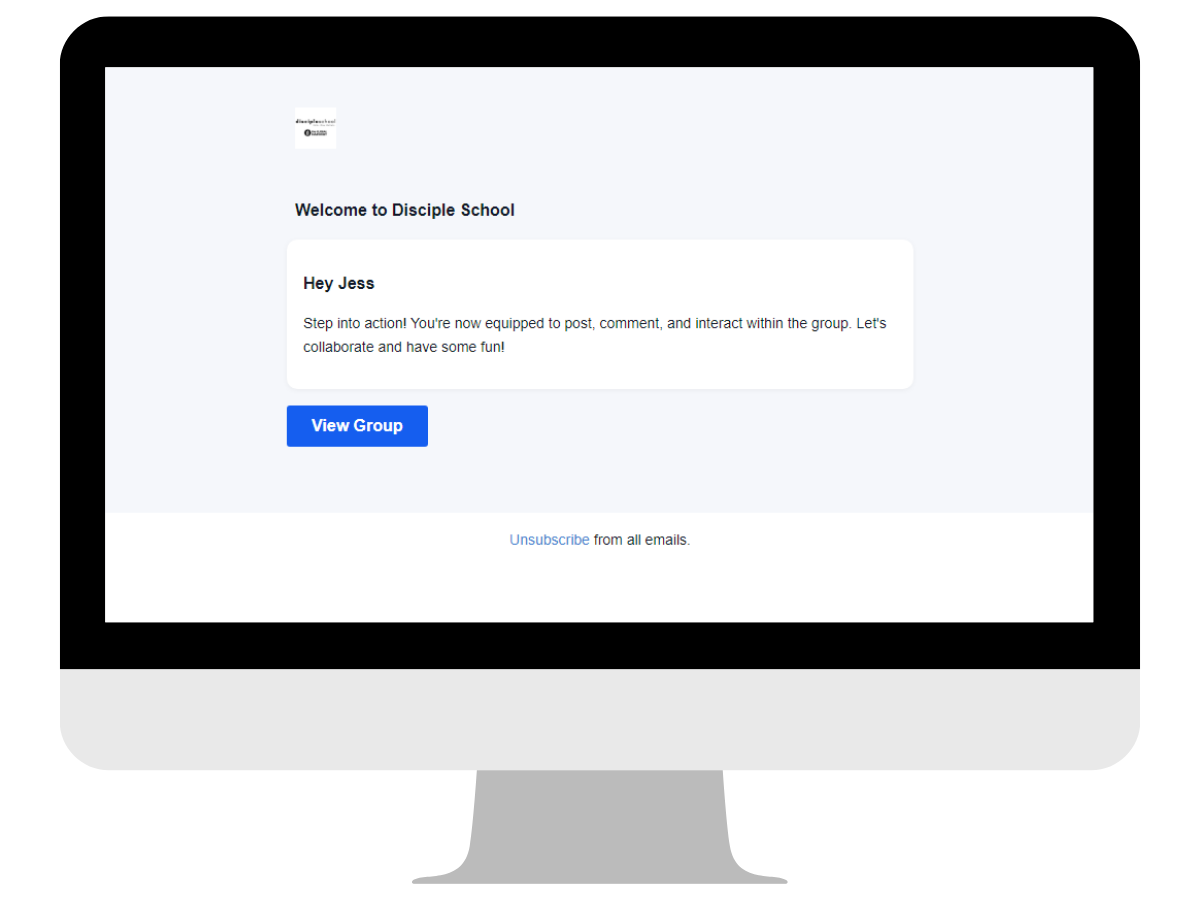
1. Click the "View Group" link in your Welcome email
2. Create your password
3. Complete your profile
4. Download the app
5. Log in to the app with your new login details
Getting started
To use the app, you'll first need to set up your account.
Then you can download the app and log in.
Step 1: Click on the View Group link in your email
Check your inbox for an email with the suject line "Welcome to Disciple Making Communities" with a blue "View Group" button
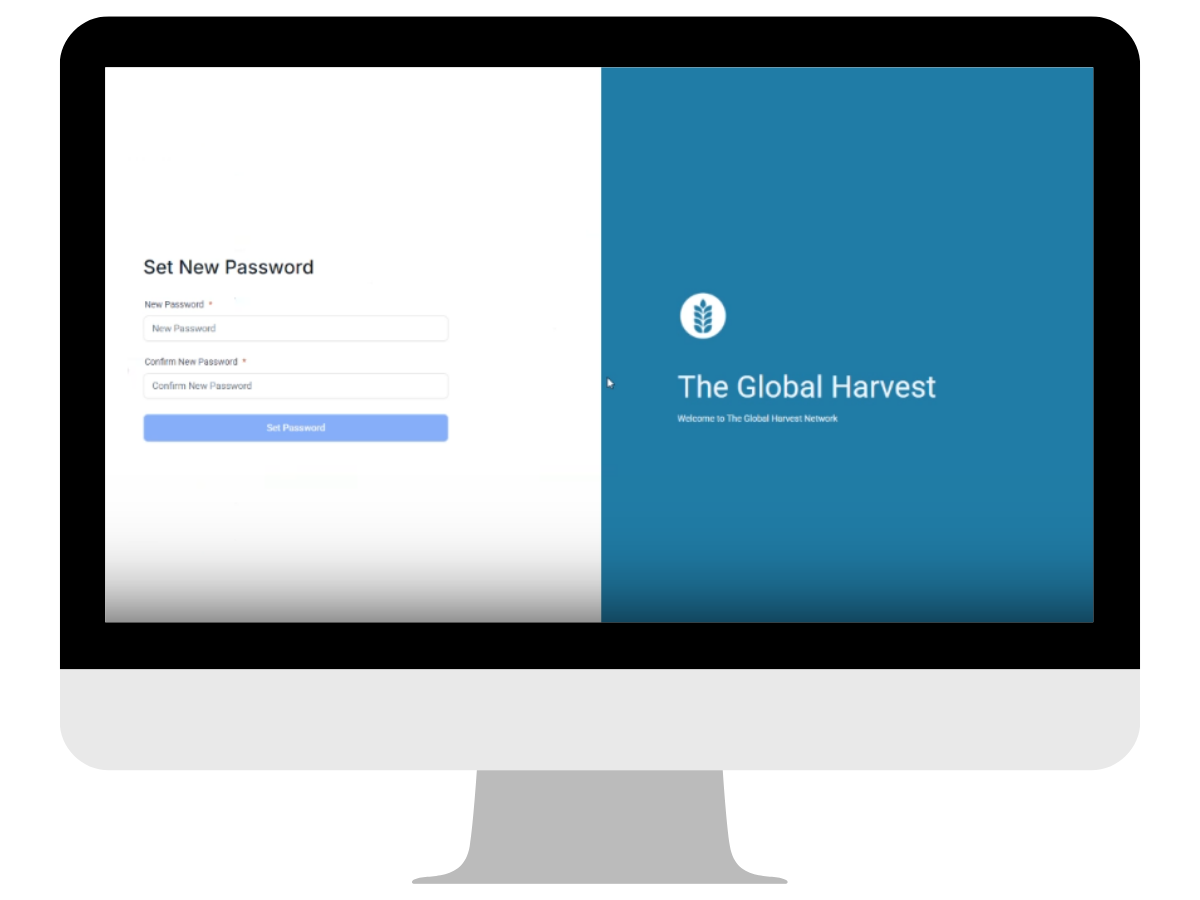
Step 2: Create Password
If you don't already have an account with us, you'll be prompted to create a password.
If you already have an account, you'll be prompted to log in.
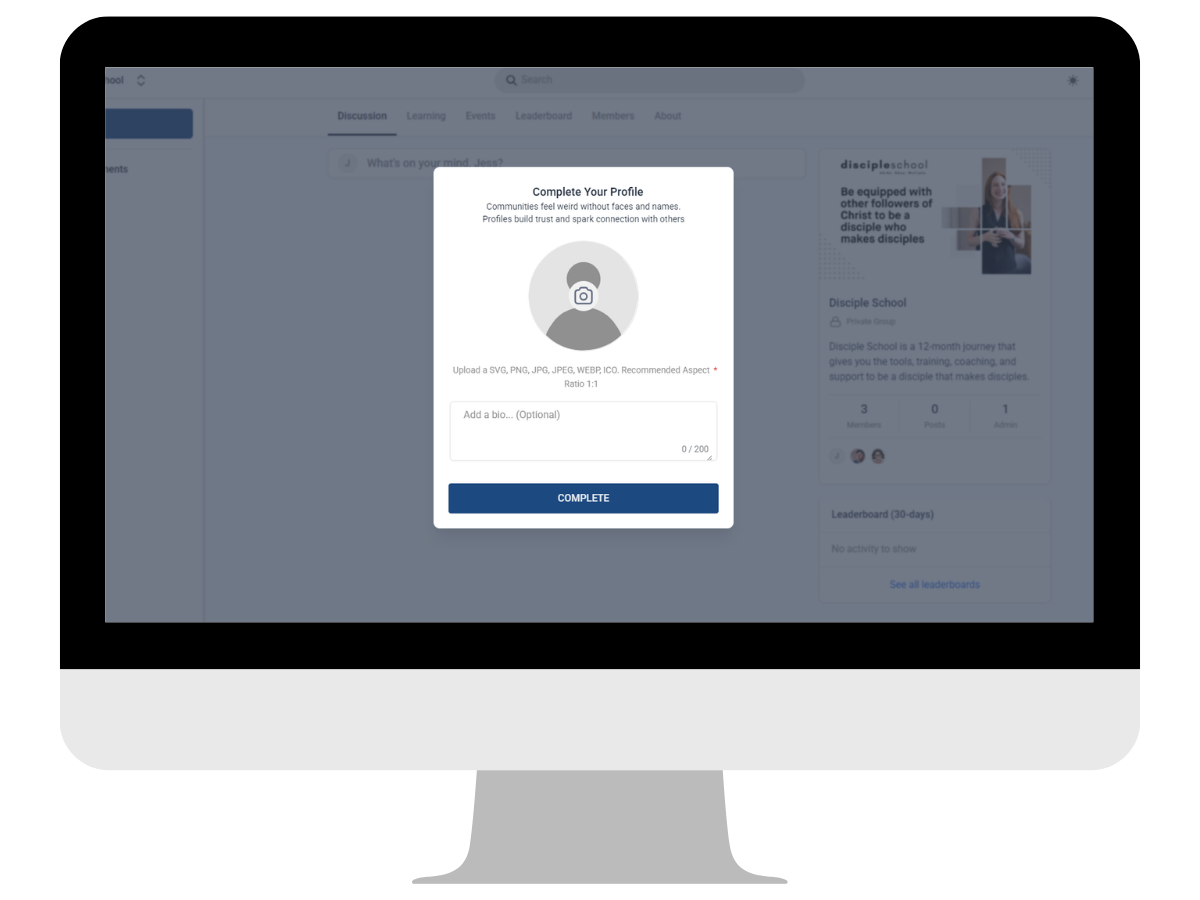
Step 3: Complete your profile
Add a photo and a short bio about yourself.
Now you can download the app.
Follow the instructions below.
App Instructions
After you've been approved to join one of the communities, you're invited to use our new app to access the network on the go.
Step 1: Download the app
Download the app from the stores below


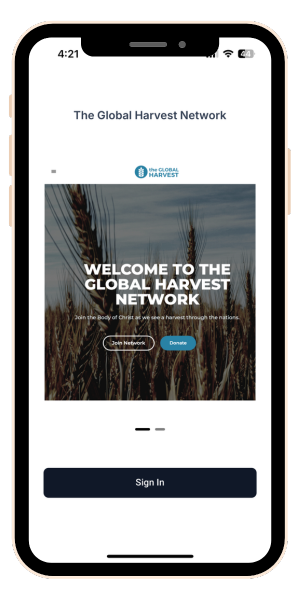
Step 2: Sign In
Once downloaded, click the Sign In button
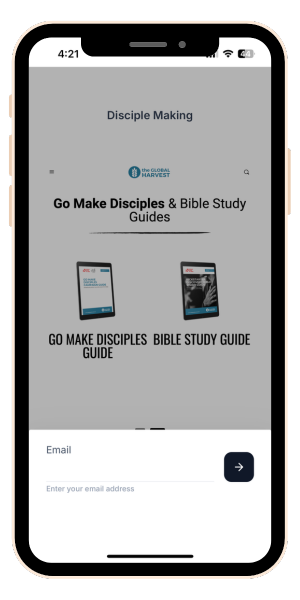
Step 3: Enter your email
Use the credentials you set up for your account previously
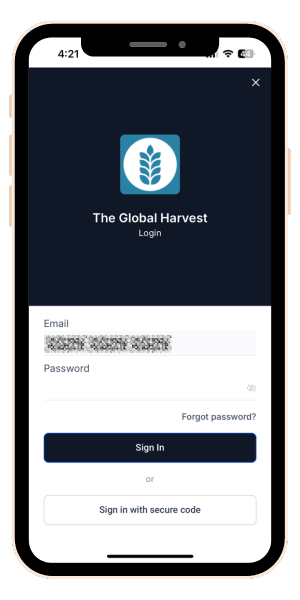
Step 4: Enter your password
Use the credentials you set up for your account previously
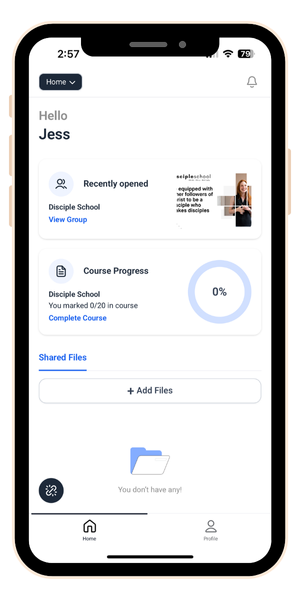
Step 5: Home page
Here you'll see your recently accessed group/s so you can easily access them.
Click on view group to access the group called "Disciple Making Communities".
You can now access the discussions and training via the dropdown in the top left hand corner of the screen.
Communities is where you'll find the discussions and Courses, the training courses.